 Script Reader
The teleprompter that follows your voice
Read naturally, stay on track, and deliver confident video recordings and presentations — right in Chrome.
Everything you need to read on camera
No app to install and no account. Open it in the side panel and start reading.
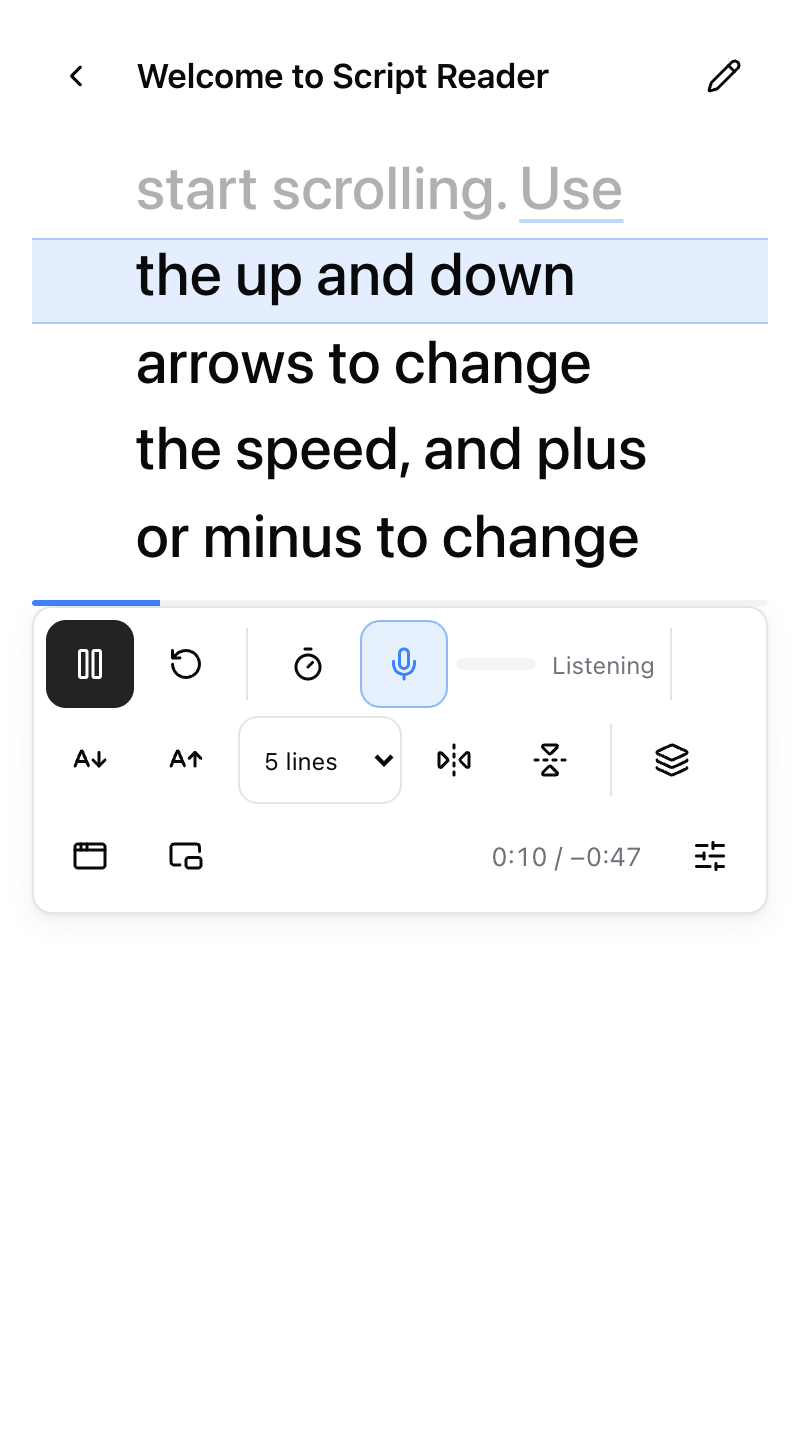
Reads along with your voice
Turn on voice mode and the text keeps your place as you speak. It waits when you pause and stays put when you ad-lib.
- Voice following in 80+ languages
- Or steady timer scrolling at your pace
Right under your camera
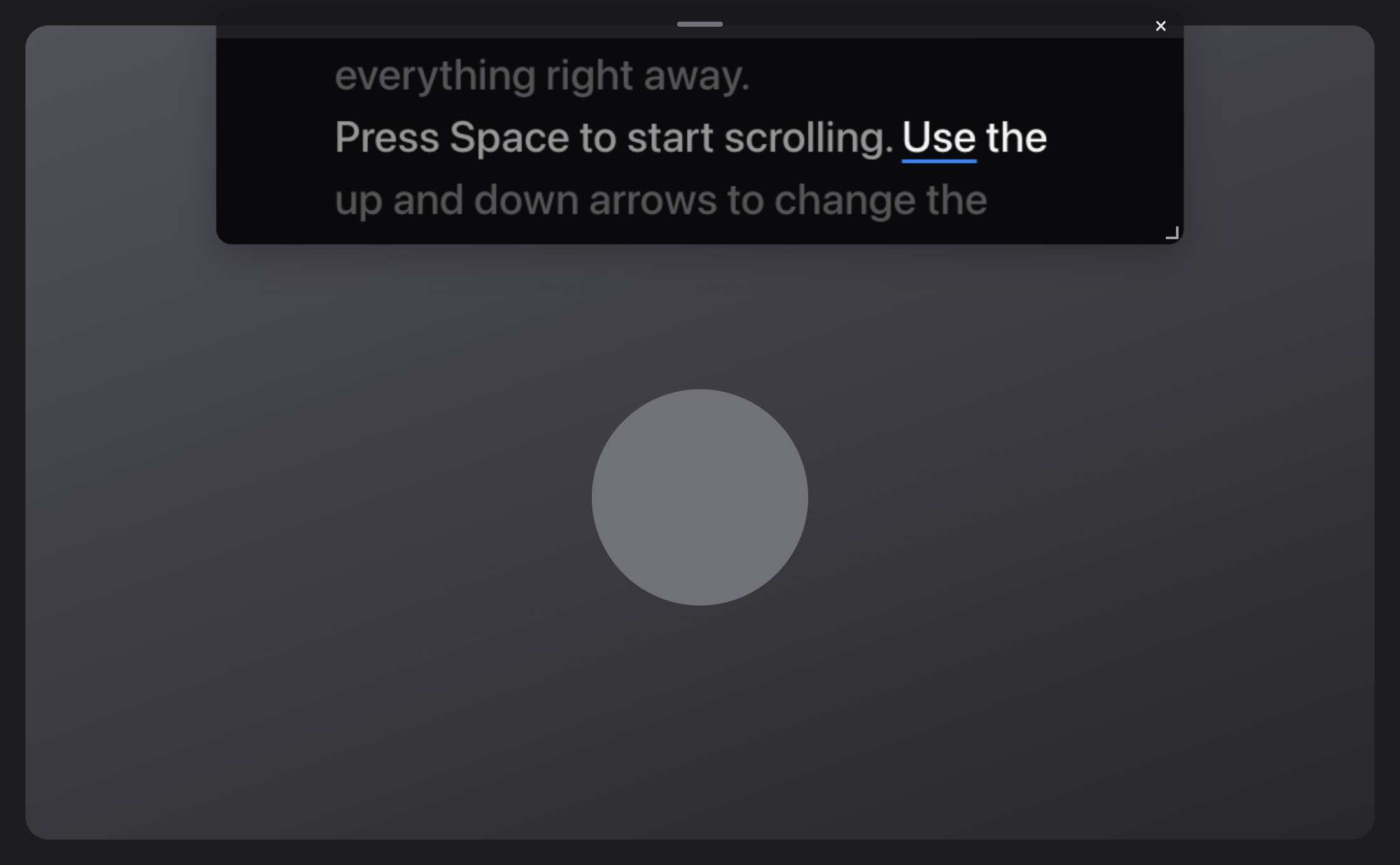
Keep eye contact on calls: the prompter floats on top of the page, close to the lens. Or keep it always on top of every window, or in a separate window on a second screen.
- Floating prompter on any web page
- Always-on-top window
Mirror for glass. Edit on the fly.
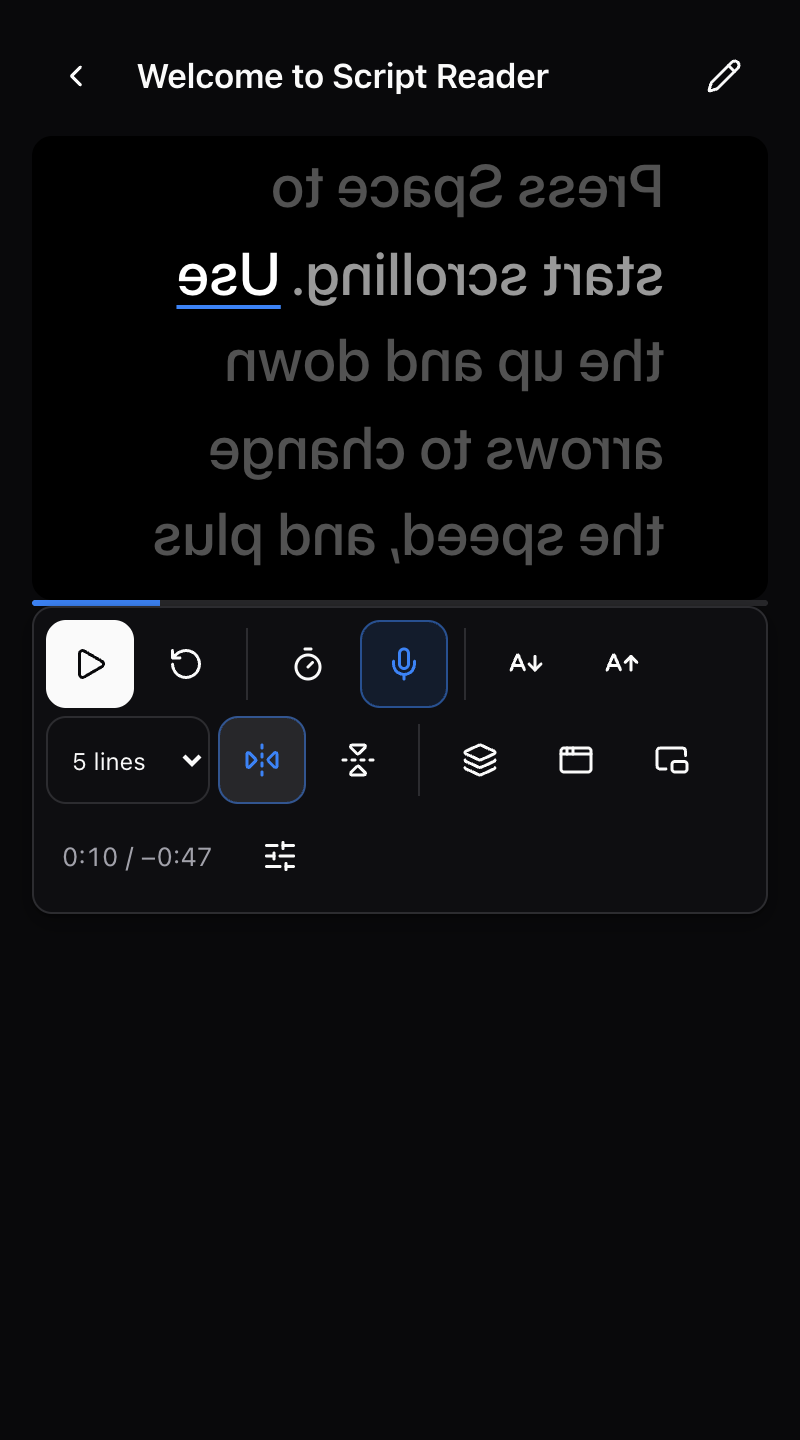
Flip the text for a teleprompter rig and keep fixing lines in the side panel while the mirrored text updates live.
- Horizontal and vertical mirror
- Edits reach the prompter instantly
Made for how you work
Bring your script
Paste it, drop a .txt, .md, .docx, .pdf, .srt or .vtt file, import a web page or a Google Doc, or send the selected text from any tab.
Keyboard first
Space to play and pause, arrows for speed, plus and minus for size. Global shortcuts work even when the panel isn't focused.
Private by design
Your scripts stay on your device. No account, no tracking, and only the permissions it needs.
Your layout
One, three or five lines, a highlight band or arrow, any font size and width, light, dark or white-on-black.